App Update Problems, Rummy Modern
Everything on app update problems for rummy modern in one place, timings, requirements and what to check first.
What is App Update Problems?
App update problems on Rummy Modern refer to any error, failure, or loop that prevents you from successfully installing the latest APK from rummymodernapp.org. Because Rummy Modern is not listed on Google Play Store, every update is a manual APK install, which introduces failure points that a Play Store app would handle silently in the background. The three most common forms are: a download that stalls at a fixed percentage (47% and 83% are frequently reported on Jio and Airtel connections), an Android security block with the message "For your security, your phone is not allowed to install unknown apps," and a version conflict error where the new build collides with cached data from your existing Rummy Modern installation.
Recognising which specific error you face matters because the fix for a version conflict (clear cache, then reinstall) is completely different from the fix for a security block (enable unknown-source permission for your browser). Treating them the same wastes time and can corrupt your local game data.
App Update Problems for New Players
New players on Rummy Modern encounter update issues more frequently than experienced users because they often install an older APK shared via WhatsApp or a third-party mirror instead of downloading directly from rummymodernapp.org. An outdated base build can be 4 to 6 versions behind the current release, requiring a larger patch (typically 65 to 90 MB) and a higher probability of triggering a version mismatch error during installation on budget Android phones like Redmi 12C or Realme C55.
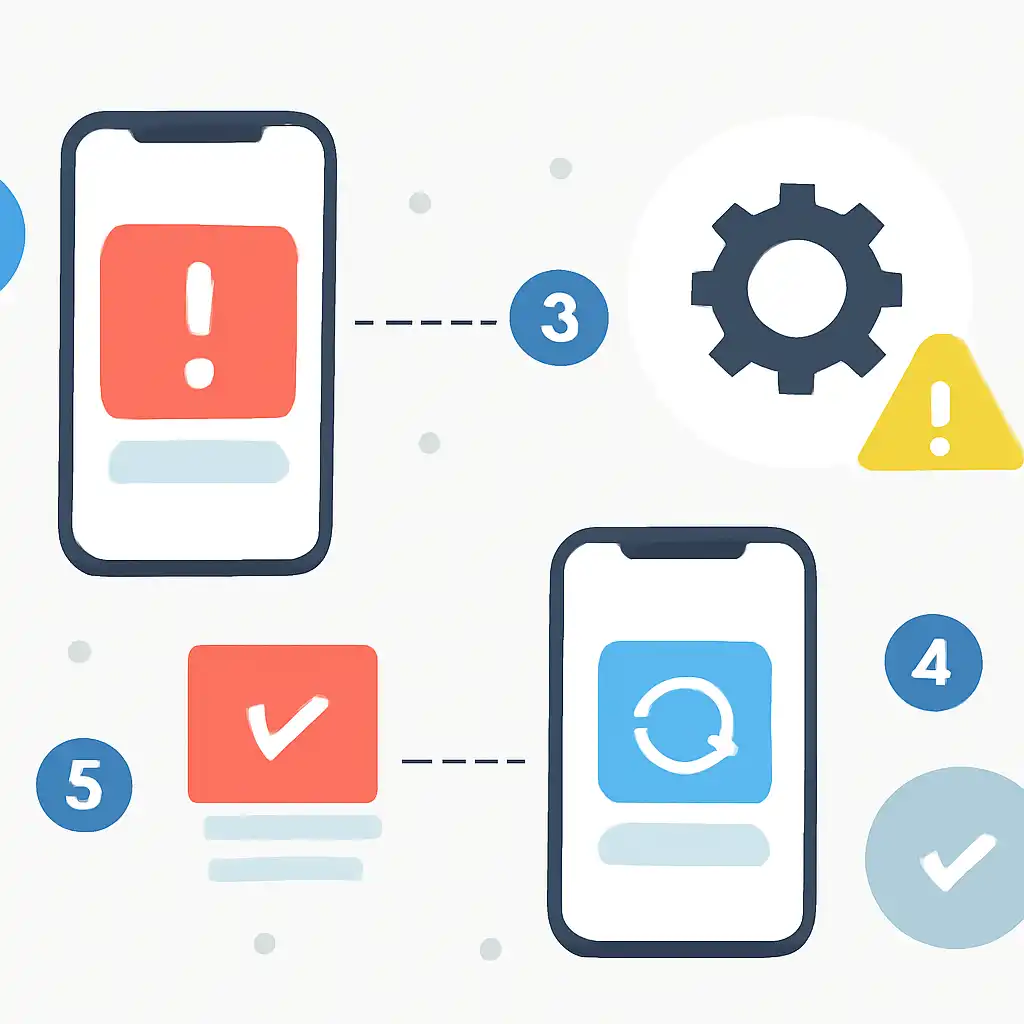
The "Install from Unknown Sources" toggle is disabled by default on Android 11 and above, the operating system used by most new players in India. When you tap the downloaded APK and see a greyed-out Install button or a redirect to Settings, you must grant unknown-source permission specifically to the browser or file manager you used to download the file, not as a global switch. Chrome, Firefox, and the default Xiaomi or Samsung browser each have their own separate permission entry under Settings → Apps → Special App Access → Install Unknown Apps.
New players should also wait to deposit via PhonePe, GPay, or BHIM until the updated app launches cleanly and their welcome bonus balance shows correctly. Installing an update mid-session or immediately before a deposit can cause a wallet sync delay of up to 10 minutes on the Rummy Modern server.